Create Your Own Avatar
Unleash your creativity! Learn how to import images, paste from clipboard, or start from scratch.
Creating your own avatar is the best way to stand out. VisualChats gives you 3 different options to get started.
Initiate Creation
Open the Yellow Folder Icon and click the New button.
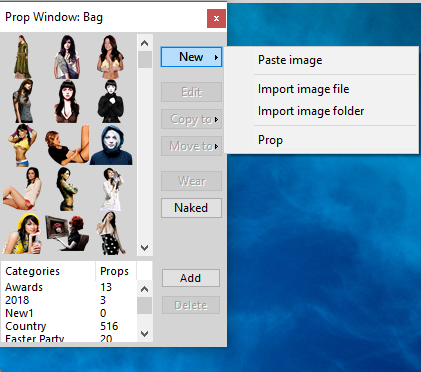
Option A: Import Image File
- Click Import image file.
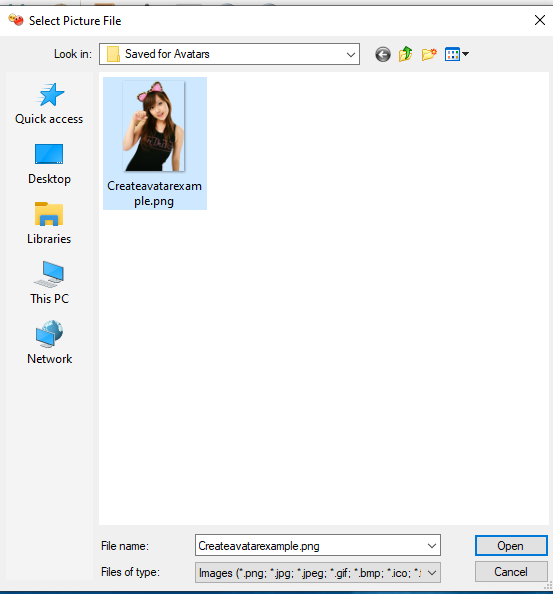
- Find the image on your computer, select it, and click Open.
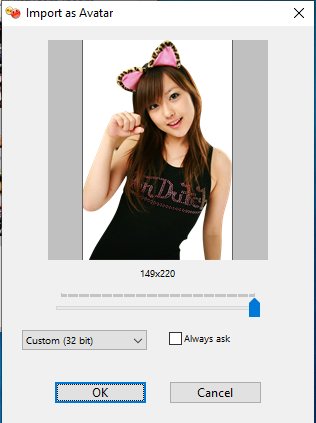
- Click OK to finalize.
Option B: Paste from Clipboard
- If you have an image copied to your clipboard, click Paste image.
- Click OK.
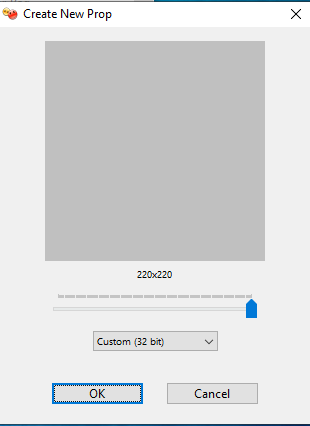
Option C: Create Empty Avatar
- Click Prop.
- Click OK to start with a blank canvas.
Now your new avatar is ready to be customized or worn!