Changing Your Avatar
Express yourself with a new look! Learn how to switch between your collected 2D avatars and show off your style.
Open Avatar List
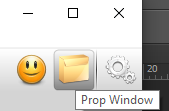
Click the yellow folder icon in your toolbar to open your avatar collection window.
Select Your Avatar
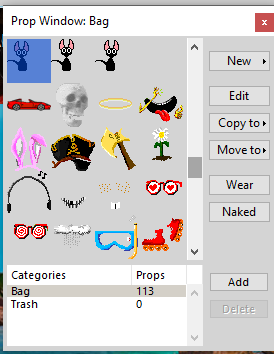
Browse through your available avatars and click on the one you want to wear.
Wear It
Click the Wear button or simply double click on the avatar to apply the change instantly.
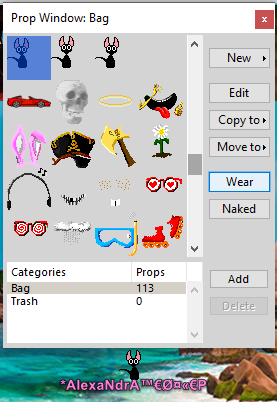
Looking Great! Your new avatar is now visible to everyone.