Finding a Friend
Stay connected with the community.
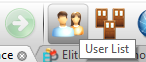
Open User List
Click the 2 users icon in the toolbar to see everyone currently online.
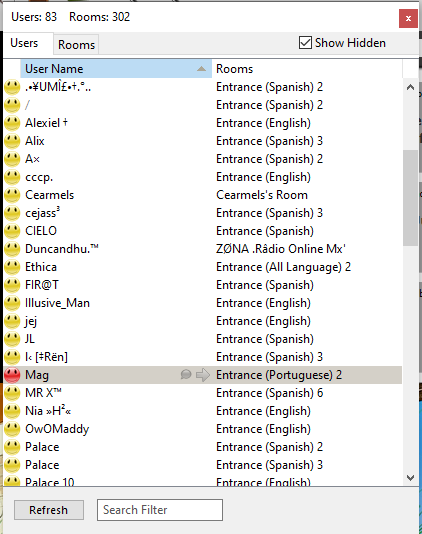
Locate & Select Your Friend
Scroll through the Global Users List to find your friend, then click on their name to select them.
Send a Whisper
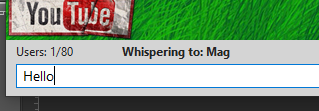
Click the purple chat bubble icon to send a private message. The chat box will indicate you are "Whispering" to your friend.

Join Their Room
Click the green arrow icon to immediately travel to the same room where your friend is currently chatting.